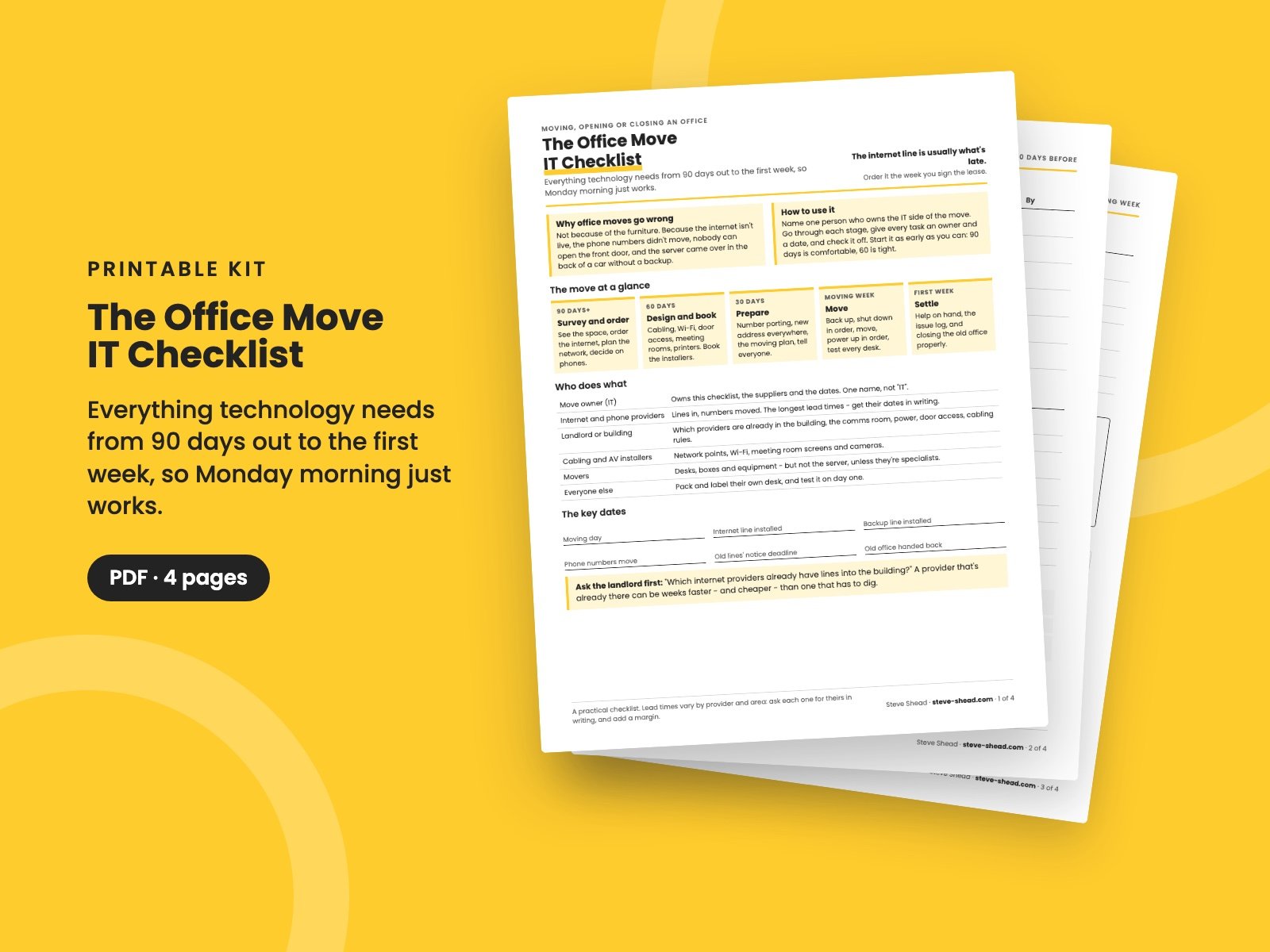
The Office Move IT Checklist
Moving, opening or closing an office? Everything technology needs from 90 days out to the first week - the internet line, phone numbers, network, door access, moving weekend and the old office - so Monday morning just works.
Office moves rarely go wrong because of the furniture. They go wrong because the internet isn't live, the phone numbers didn't move, nobody can open the front door, and the server came over in the back of a car without a backup.
Most of it comes down to lead times. An internet line can take months to install, moving phone numbers takes weeks, and old contracts have notice periods nobody checked.
This checklist puts every technology task on one timeline, from the week you sign the lease to the week after you move in.
What's in it
- The move at a glance: five stages from 90 days out to the first week, who does what, the key dates to fill in, and the first question to ask the landlord.
- 90 to 30 days before: surveying the space, ordering the internet and a backup line, phones, the network and Wi-Fi plan, door access, meeting rooms, printers and power - with an owner and date for each - plus the questions to ask every internet provider.
- 30 days before and moving week: number porting, testing the line, changing the address everywhere, telling everyone, the backup, shut-down and power-up order, a desk test for every desk, and a day-one issue log.
- The first week, and closing the old office: help on hand, cancelling the old lines in time, wiping what's left behind, returning leased equipment, the costs people forget, and what changes if you're opening a second office instead.
Who it's for
Office managers, operations leaders, owners and IT leads moving, opening or closing an office - especially for the first time.
It pairs with The IT Asset Register, for what moves, what's recycled and what's due for replacement anyway, The IT Budget, for the costs, and The IT Help Desk Starter, for the first week's requests.
It's a 4-page PDF, made to print and write on.
Want them all? The Complete Collection has every guide in the store in one download, for less than a third of the price.
Reviews
No reviews yet.
Bought this? Log in to review it.
Log in