Somewhere in most companies, someone who left months ago can still log in to something.
Maybe it's a former salesperson's account in the CRM. A contractor whose project ended but whose login didn't. A shared admin password that half the people who knew it no longer work there. A social media account still tied to the personal email of someone who left two years ago.
Nobody decided to leave the door open. Nobody had a list of the doors.
Why it happens
It rarely happens because nobody cares. It happens because:
- HR knows someone is leaving, but IT finds out late - sometimes after they've gone.
- Nobody has a list of every system. IT knows the main ones. Nobody knows about the analytics tool marketing signed up for, or the supplier portal finance uses.
- Not everything uses single sign-on. Turning off someone's main account doesn't touch the systems with their own logins.
- Shared passwords never change. Changing them is a hassle, so nobody does.
- Contractors fall through the gaps, because they were never quite "staff".
Why it matters
A former employee with access is a risk even if they never use it. Their old password may be reused somewhere that gets breached. Their personal laptop may still be signed in. And occasionally, someone who left unhappily does use it.
It's also one of the first things security questionnaires, auditors and cyber insurers ask about. "Do you remove access the day someone leaves?" is a question you want to answer with a confident yes.
The one list that makes it work
The fix starts with a list: every system someone could have access to, including the ones IT didn't buy. For each one: who owns it, who has admin access, and how access is removed - automatically with the main account, or by hand.
Then, when someone joins, moves or leaves, you work down the list instead of relying on memory.
The ones that usually get missed: social media accounts, the domain and DNS, app stores, payment and payroll portals, supplier portals, shared mailboxes, and anything someone signed up for with a personal email.
When someone leaves
On the day they give notice, tell IT the last day - the same day HR hears it. Start the handover, especially for anything only they know. And move anything in their personal name into a company account.
On their last day, at the end of the day:
- Disable their main account, and sign them out everywhere.
- Remove access to every system on their list, including the ones with separate logins.
- Remote access, building access, and devices back.
In the days after:
- Change every shared password they knew. This is the step most often skipped.
- Forward their email for a while, then close the mailbox.
- Move their files to the company before the account is deleted.
- Remove them as an authorized contact with the bank, the domain registrar and the phone company.
When it's sudden
If someone is dismissed, or leaves on bad terms, remove access during the conversation, not after it. Agree the timing with HR beforehand. Start with email, remote access, admin rights, finance systems and anything that holds customer data.
Don't forget the movers
People who change roles are the forgotten group. They keep their old access and gain new access, until the person who's been there longest can see everything.
Treat every move as a joiner and a leaver at once: add what the new role needs, and remove what the old role needed, on the day they move.
And review it every quarter
Access drifts however good your process is. Once a quarter, each manager looks at who can get into their team's systems and confirms or removes. Start with admin access and the systems holding finance, payroll and customer data. Look for accounts belonging to people who've left, and paid seats nobody has used in two months - removing those saves money too.
The bottom line
Locking the door when people leave isn't complicated. It's a list of the doors, a routine for every joiner, mover and leaver, and a quarterly look to catch what slipped.
Want the lists? The Joiners and Leavers Checklist gives you the routine for joiners, movers and leavers, a quarterly access review, a system list and a handover - ready to print for each person.
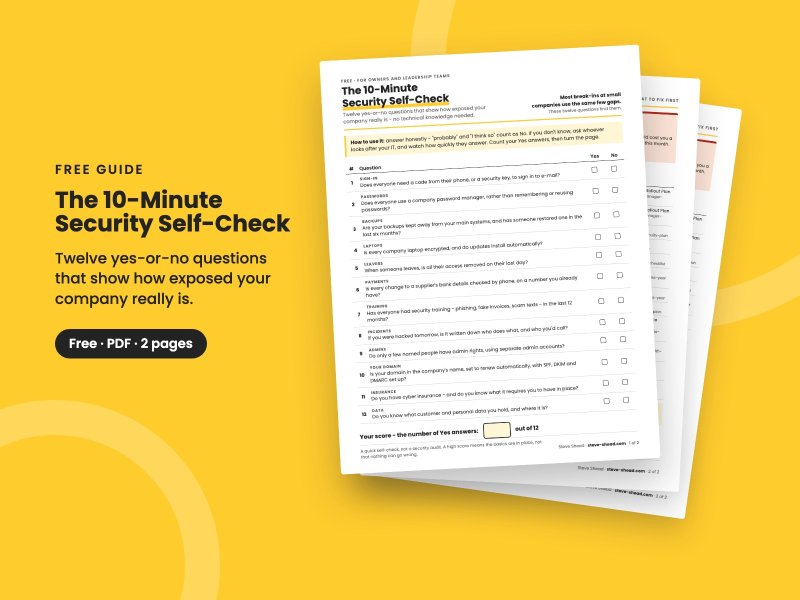
Free guide: The 10-Minute Security Self-Check - twelve yes-or-no questions that show how exposed your company really is.
Related reading
- The Security Questions Every Executive Should Be Able to Answer
- Every Organization Has a Sarah (And Why That's a Problem)
Not sure who still has access to what? Let's talk. An access review is usually one of the quickest security wins a company can make.

Comments
No comments yet - start the conversation.
Log in to join the conversation.
Log in Create an account