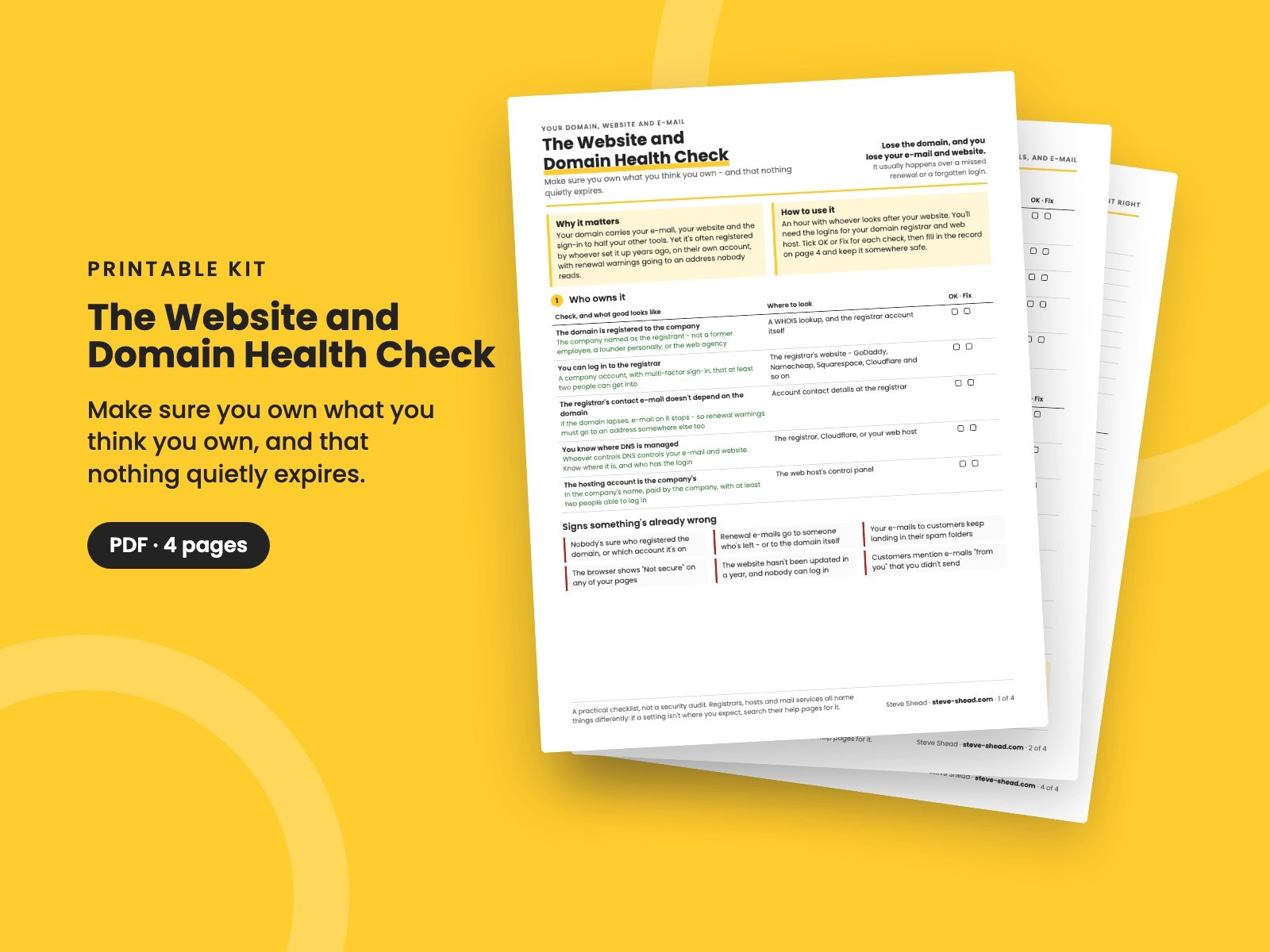
The Website and Domain Health Check
Make sure you own what you think you own: who controls your domain and website, renewals that can't quietly lapse, e-mail that arrives and can't be faked (SPF, DKIM, DMARC), website basics, and what happens if your web person disappears.
Your domain name carries your e-mail, your website and the sign-in to half your other tools. Lose it, and all three go with it.
It rarely happens through anything dramatic. The domain was registered years ago by whoever set it up, on their own account. The renewal warnings go to an address nobody reads, or to an e-mail address on the domain itself. The card on file expires. Then one morning the website is gone and nobody's e-mail works.
This checklist makes sure you own what you think you own, and that nothing quietly expires.
What's in it
- Who owns it: the domain registered to the company, a registrar login two people can use, renewal warnings that don't depend on the domain itself, where DNS is managed, and the hosting account - plus the signs something's already wrong.
- Renewals: auto-renew, the payment card, the transfer lock, every domain you own, and the website's certificate.
- E-mail that arrives - and can't be faked: SPF, DKIM and DMARC for every service that sends as you, what the records look like, and a test that mail really reaches the inbox.
- The website itself: HTTPS, backups kept somewhere else, updates, who can log in, working contact forms, and who owns the analytics - plus what to do if the domain has already lapsed.
- If your web person disappears: the four things that let you carry on without them.
- Your record: a one-page record of who, what and when, a list of everything that sends e-mail as you, and what to check monthly, quarterly and yearly.
Who it's for
Owners, office managers and operations leaders at small companies whose website and domain were set up by someone else - an agency, a freelancer, a founder or a colleague who's since moved on.
It pairs with The Microsoft 365 and Google Workspace Security Check, for the mailboxes and accounts themselves, and The Switching IT Providers Checklist, if your IT provider holds the keys. If one person knows how it all works, The Key-Person Risk Map finds what else depends on them.
It's a practical checklist, not a security audit.
It's a 4-page PDF, made to print and write on.
Want them all? The Complete Collection has every guide in the store in one download, for less than a third of the price.
Reviews
No reviews yet.
Bought this? Log in to review it.
Log in