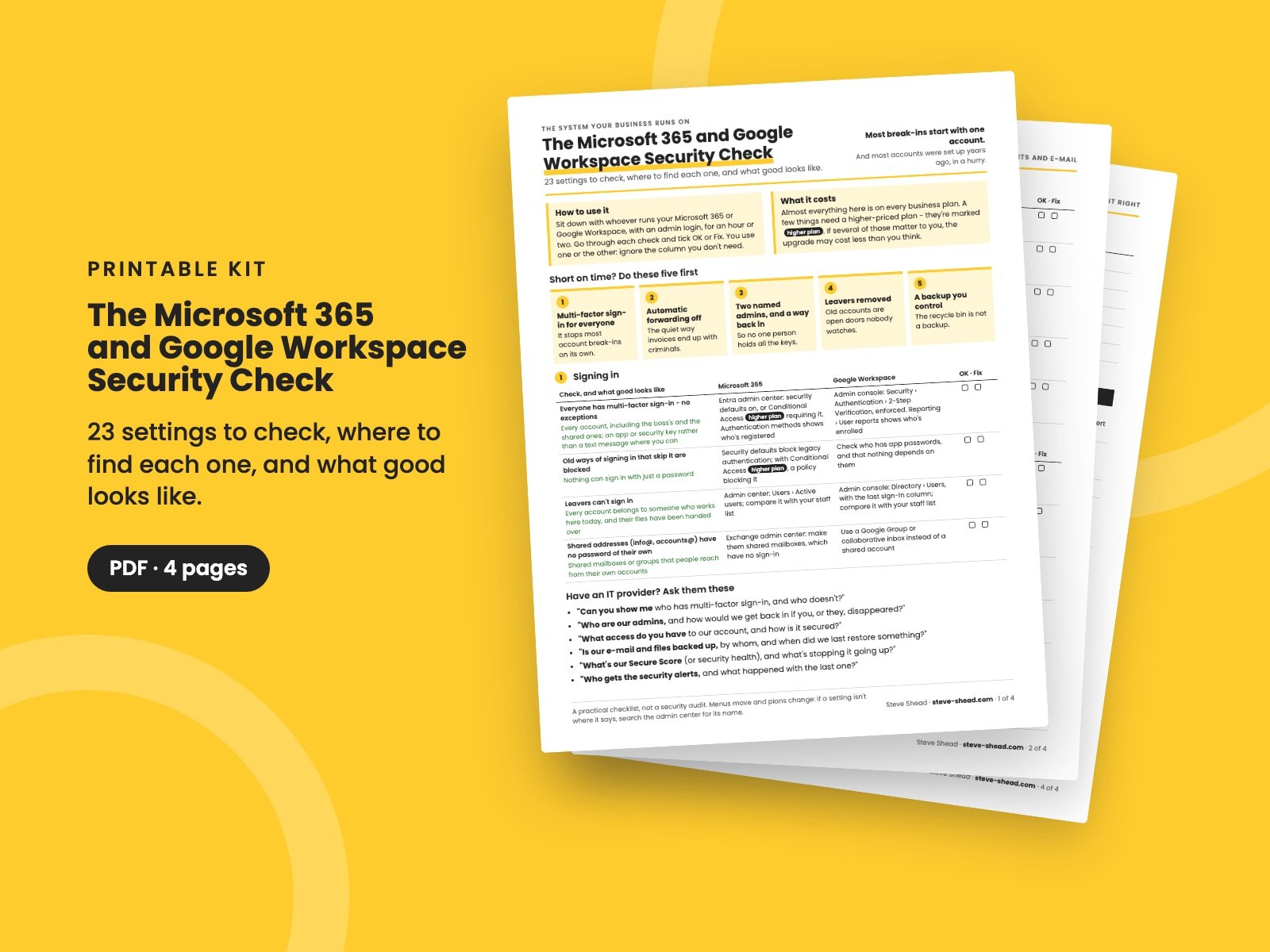
The Microsoft 365 and Google Workspace Security Check
23 settings to check in the system your business runs on - sign-in, admin accounts, e-mail, sharing, apps, logs and backup - with where to find each one in Microsoft 365 and Google Workspace, and what good looks like.
Most break-ins at small companies start with one e-mail account. And most Microsoft 365 and Google Workspace accounts were set up years ago, in a hurry, by someone who has since moved on.
The defaults are better than they used to be, but they don't fix what was set up before them: the leaver who can still sign in, the one admin who holds every key, the mailbox quietly forwarding invoices to someone else, or the "anyone with the link" folder nobody remembers sharing.
This checklist goes through the settings that matter, with where to find each one in both systems, so you can sit down with whoever runs yours and check them in an hour or two.
What's in it
- 23 checks in six areas: signing in, admin accounts, e-mail, files and sharing, apps and devices, and logs, alerts and getting things back. Each one says what good looks like, where to find it in Microsoft 365 and in Google Workspace, and has boxes to tick OK or Fix.
- Short on time? Do these five first: the settings that stop the most trouble for the least effort.
- Which plan has what: what every business plan includes, what needs a higher-priced plan (marked on every check), and what neither includes.
- Questions for your IT provider, if someone else runs it for you.
- Your results, and keeping it right: what to look at every month, quarter and year, and on the day someone leaves.
Who it's for
Owners, CEOs, operations and IT leaders at small and growing companies on Microsoft 365 or Google Workspace, whether you run it yourself or an IT provider does. You'll need someone with an admin login, but not a security background.
It pairs with Security Basics for Executives, for the bigger picture, The Joiners and Leavers Checklist, for access when people start and leave, and The Cyber Insurance Readiness Checklist, since most of what insurers ask about is in here.
Want to test it? The admin who left in The Tabletop Exercise Kit is a one-hour drill for the day your admin walks out with the passwords.
It's a practical checklist, not a security audit. Menus move and plans change: if a setting isn't where it says, search the admin center for its name.
It's a 4-page PDF, made to print and write on.
Want them all? The Complete Collection has every guide in the store in one download, for less than a third of the price.
Reviews
No reviews yet.
Bought this? Log in to review it.
Log in