The Cloud Cost Checkup
Find what you're paying AWS, Azure or Google Cloud for and not using: 16 places cloud bills leak, the saving from each fix, what commitments would save, and the quick wins to do first.
Cloud bills creep. A server left on after a project, a test environment running all weekend, snapshots nobody remembers taking, usage you could have committed to at a third off. None of it is anyone's fault, and nobody is looking.
Most companies paying for the cloud are paying for things they don't use. The question is how much, and what to fix first.
This workbook takes you through it in an afternoon.
What's in it
- The Bill: your last three months by service and account, with the environment and owner for each line. It shows the share of the bill each line takes and flags anything rising fast, anything with no owner, and non-production that may be running nights and weekends.
- The Checks: 16 places cloud bills usually leak. They include idle and oversized servers, non-production running 24/7, unattached disks, old snapshots, storage in the wrong tier, logs kept forever, steady usage with no commitment, and things nobody owns. Each comes with where to look and the typical saving. Mark what you find, estimate the monthly saving, and give it an owner.
- Commitments: what your steady usage would cost on a one- or three-year commitment instead of pay-as-you-go. The discounts are typical figures, so check them against your provider's current pricing.
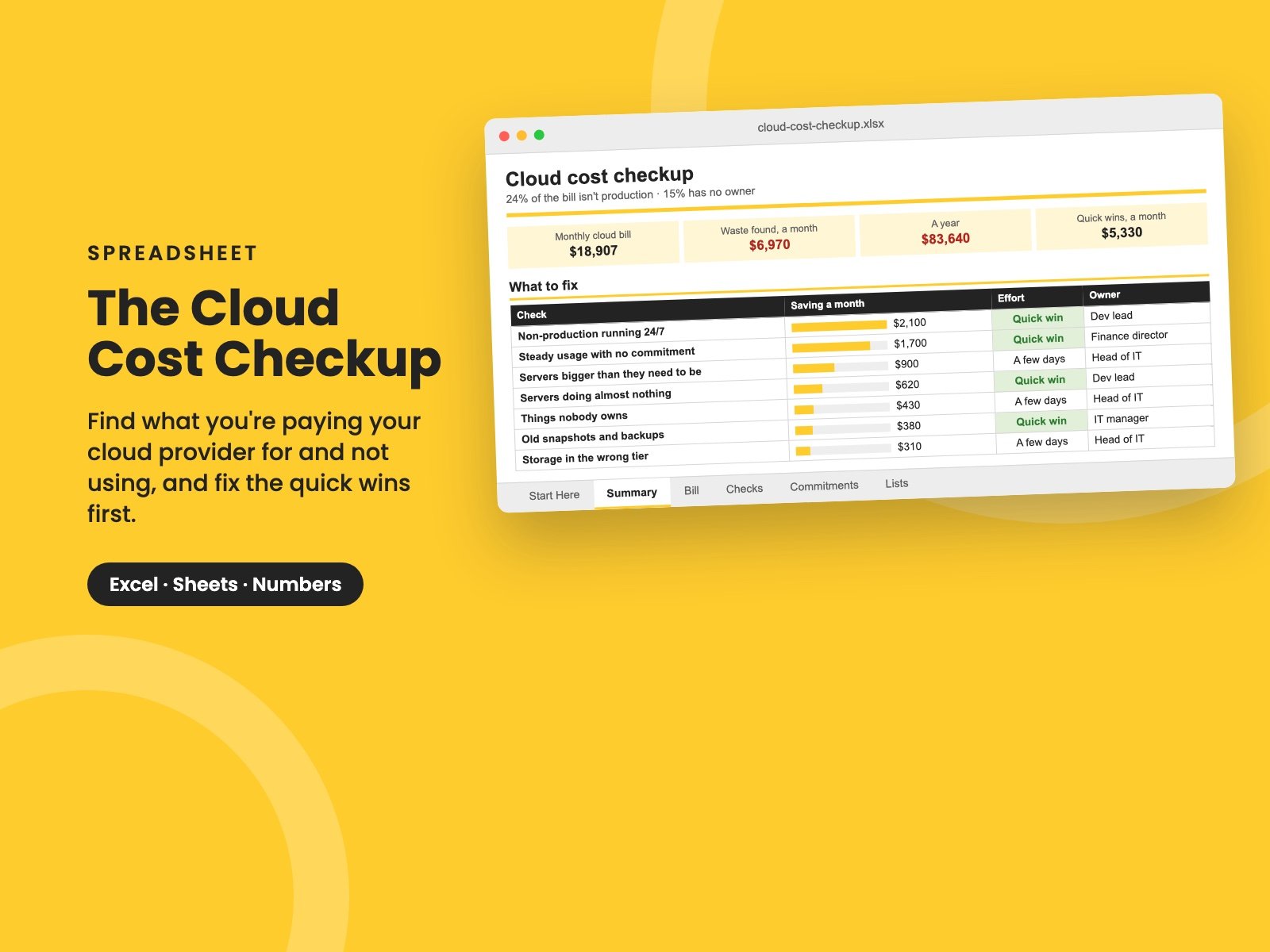
- Summary: the bill at a glance, where it goes by provider and environment, the five biggest lines, the waste you've found as a monthly and yearly saving, and what to fix first, quick wins at the top.
It comes filled in with a made-up company spending about $19,000 a month, mostly on AWS. It turns out to be wasting about a third of that, with $5,300 a month in quick wins. Clear the sample and the formulas stay.
Who it's for
CTOs, IT leaders and finance directors at companies spending a few thousand to a few hundred thousand dollars a month on AWS, Azure or Google Cloud, who suspect they're paying for more than they use.
It pairs with The Tech Spend Workbook, for everything else you pay for, and The IT Budget.
It's a single Excel file. It also opens in Google Sheets and Apple Numbers.
Want them all? The Complete Collection has every guide in the store in one download, for about a third of the price.
Reviews
No reviews yet.
Bought this? Log in to review it.
Log in