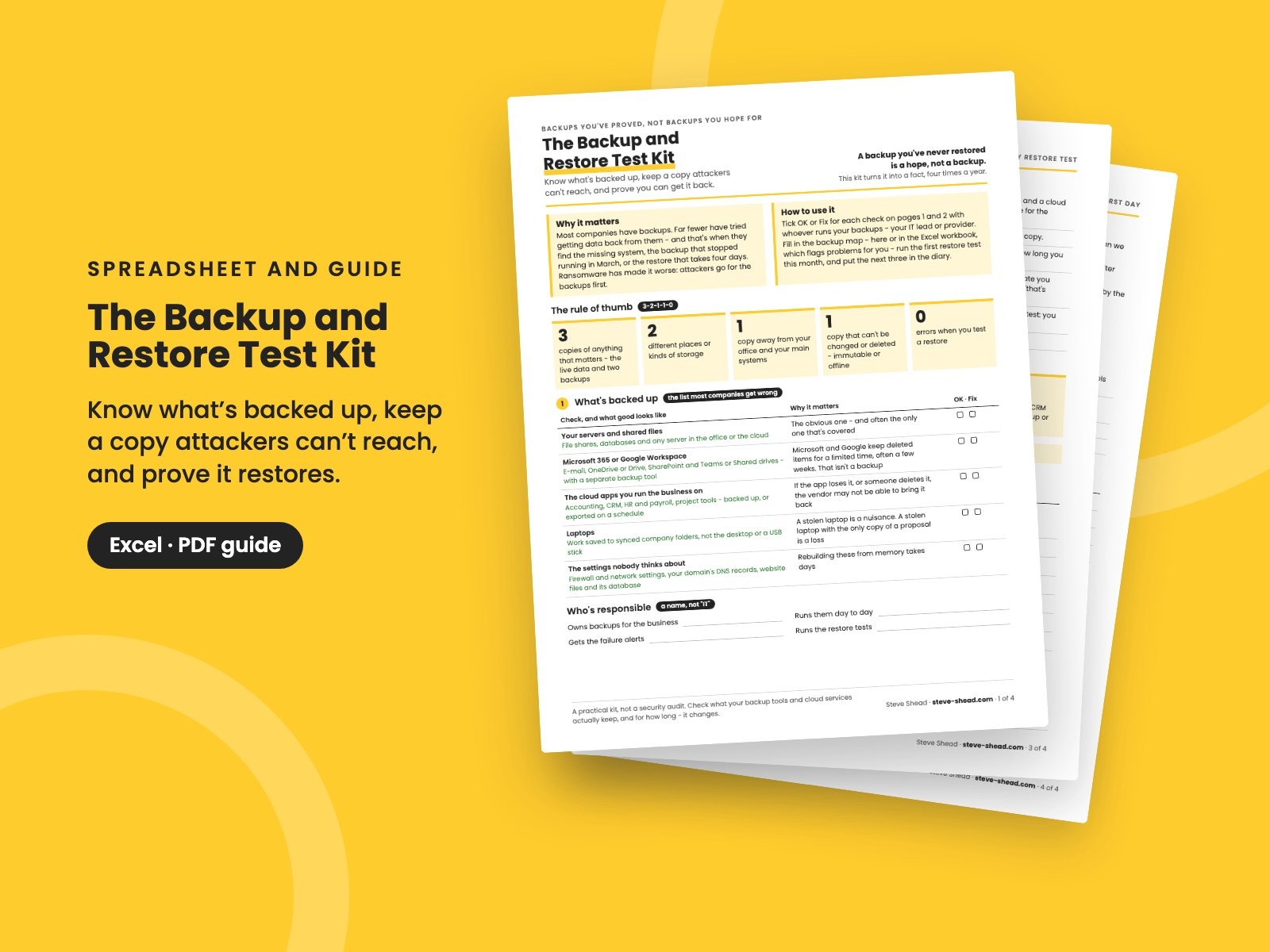
The Backup and Restore Test Kit
Know what's really backed up - including Microsoft 365, Google Workspace and your cloud apps - keep a copy ransomware can't delete, and prove it works: a backup map that flags problems, a restore test log, and a 4-page guide to the quarterly test.
Most companies have backups. Far fewer have tried getting data back from them. That's when they find the system nobody was backing up, the backup that quietly stopped running in March, or the restore that takes four days instead of four hours.
Ransomware has made it worse: attackers look for the backups and delete them first. A backup you've never restored is a hope, not a backup. This kit turns it into a fact, four times a year.
What's in it
The workbook does the checking for you:
- The backup map: one row per system - how it's backed up, how often, for how long, and whether a copy can't be deleted. Each row gets a status: not backed up, backed up too rarely for the work you could lose, no locked copy, kept too short, never tested, last test failed, test overdue - or OK.
- The restore test log: every test, how long it took, whether it passed, and whether it was back within the time you can afford to be down. Pick the system from the map, and the map knows when it was last proved.
- The summary: what needs fixing, the year's tests, average time to restore, and whether each quarter's test is done.
It comes with a sample company filled in, so you can see how it works before you replace it with your own.
The guide (4 pages):
- The rule of thumb: 3-2-1-1-0 in plain English - three copies, two places, one away, one that can't be deleted, zero errors when you test.
- What's backed up: servers and files, Microsoft 365 or Google Workspace (which keep deleted items only for a while), the cloud apps you run the business on, laptops, and the settings nobody thinks about.
- How often, and for how long: how much work you can afford to lose, how long you can be down, and keeping copies long enough to go back before the problem started.
- Copies attackers can't reach: immutable or offline copies, a separate sign-in for the backup system, and alerts when backups fail or are deleted.
- The quarterly restore test: six steps, and a year's plan - files, a mailbox, a whole system, a cloud app.
- Ten questions for your IT provider, restoring safely after ransomware, who to call on restore day, and the order to bring systems back.
Who it's for
Owners, CEOs, operations and IT leaders at small and growing companies - whether you run your own backups or an IT provider does it for you. You don't need to be technical to run the test: you need to ask for the restore and check the result.
It pairs with The Business Continuity Plan, for keeping the business going while you restore, and The Incident Response Plan, for the hours after an attack. Insurers ask about backups too: The Cyber Insurance Readiness Checklist shows what they want to see.
Outsourced IT? The IT Provider Review checks whether you're getting what you pay for - backups included.
It's a practical kit, not a security audit.
You get two files: the workbook in Excel format (it also opens in Google Sheets and Apple Numbers) and the 4-page PDF guide, which has printable versions of the map and the log too.
Want them all? The Complete Collection has every guide in the store in one download, for less than a third of the price.
Reviews
No reviews yet.
Bought this? Log in to review it.
Log in